How to Maintain Character Consistency in MidJourney: A Complete Guide to Using cref and cw Features
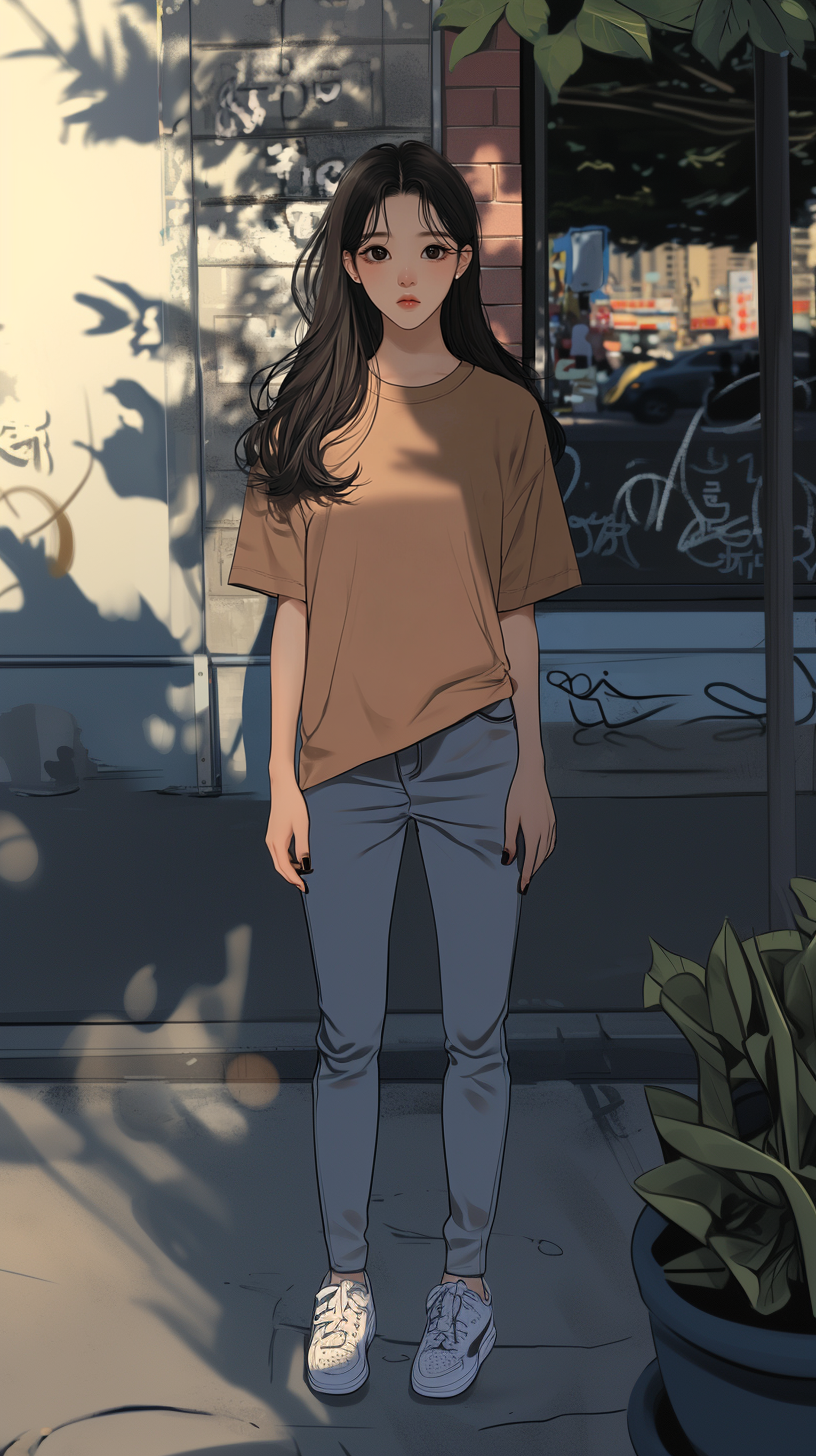
MidJourney, the cutting-edge AI-driven image generation tool, has revolutionized the way creators produce visual content. However, maintaining character consistency across different scenes or poses has been a persistent challenge in AI art generation. The introduction of cref (Character Reference) and cw(Character Weight) features addresses this issue, providing users with powerful tools to create consistent character designs while exploring various creative possibilities.
In this comprehensive guide, we'll delve into the concepts of cref and cw, their correct usage, practical examples, and expert tips to maximize their potential. Whether you're a seasoned designer or an AI art enthusiast, this guide will help you elevate your creative projects to new heights.
 |
 |
1. The Importance of Character Consistency in MidJourney
MidJourney excels at generating diverse and creative images from text prompts. However, when tasked with creating multiple images of the same character—in different poses, angles, or settings—it often struggles to maintain consistency. A character generated in one image might look entirely different in another due to variations in AI interpretation.
This is where cref and cw come into play. These features allow users to define a specific character's appearance and ensure that its unique traits are preserved across multiple outputs. This capability is crucial for projects such as:
- Animation or game character design
- Branding and mascot creation
- Webtoons or graphic novels
- Storyboarding for films or commercials
By leveraging cref and cw effectively, you can overcome the limitations of AI-generated art and achieve professional-level results with consistent character representation.
2.Understanding cref(Character Reference)
2.1 What is cref?
cref (Character Reference) is a feature in MidJourney that allows users to provide a reference image for a specific character. The AI uses this reference to learn the character's key attributes—such as facial features, clothing, hairstyle, and overall style—and applies them consistently in generated images.
This feature acts as a foundation for maintaining visual continuity across different scenes or poses while still allowing room for creativity and variation.
2.2 How to Use cref Correctly
To use cref, you add the -'-cref' option to your prompt along with the URL of the reference image. Here's the correct syntax:
/imagine prompt: a fantasy character, warrior --cref [reference image URL]
- [reference image URL]: Replace this with the actual URL of the image you want to use as a reference.
- The reference image should clearly depict the character's defining features for optimal results.
For examples:
/imagine prompt: a cyberpunk detective in a neon-lit alley --cref https://example.com/cyberpunk-character.jpg
This prompt would generate an image of a cyberpunk detective in a neon-lit alley, maintaining the key characteristics of the character from the reference image.
3.Mastering cw(Character Weight)
3.1 What is cw?
cw (Character Weight) determines how strongly the reference image influences the generated output. By adjusting this weight, you can control whether the character's traits are strictly adhered to or if there's room for creative variation.
3.2 The Correct Way to Use cw
It's important to note that the previous information about using '--cw 1.5' was incorrect.
the correct useage of cw is as follows:
- The cw value ranges from 0 to 100.
- It is used in conjunction with the '--cw' flag.
Here's the correct syntax:
/imagine prompt: a fantasy character, warrior --cref [reference image URL] --cw [0-100]
For example:
/imagine prompt: a fantasy warrior in battle --cref https://example.com/warrior.jpg --cw 75
3.3 Understanding cw Values
- A cw value of 0 means the reference image has no influence on the output.
- A cw value of 100 means the output will try to match the reference image as closely as possible.
- Values in between allow for varying degrees of influence,
- Lower values (e.g., 25-50) allow for more creative interpretation while still maintaining some character traits.
- Higher values (e.g., 75-95) ensure stronger adherence to the reference image's characteristics.
4. Practical Applications of cref and cw
4.1 Creating Consistent Characters Across Different Scenes
Using cref and cw together enables you to generate images where the same character appears in various poses or settings without losing their defining traits.
Example:
/imagine prompt: a steampunk inventor in a workshop --cref
https://example.com/inventor.jpg --cw 80
/imagine prompt: the same steampunk inventor presenting at a Victorian science fair --cref https://example.com/inventor.jpg --cw 80
these prompts would create two different scenes featuring the same character, maintaining consistent appearance and style.
4.2 Designing Mascots or Brand Characters
For businesses or brands looking to create mascots or characters for marketing purposes, consistency is key. These features allow you to design characters that remain recognizable across various promotional materials.
Example:
/imagine prompt: cute cartoon mascot for a coffee shop, holding a latte --cref
https://example.com/coffee-mascot.jpg --cw 90
/imagine prompt: same coffee shop mascot on a surfboard --cref
https://example.com/coffee-mascot.jpg --cw 90
4.3 Producing Webtoons or Graphic Novels
Webtoon creators can streamline their process by generating consistent visuals for characters across multiple panels or episodes.
Example:
/imagine prompt: manga-style heroine fighting monsters --cref
https://example.com/heroine.jpg --cw 85
/imagine prompt: same manga heroine relaxing at school --cref
https://example.com/heroine.jpg --cw 85
5. Expert Tips for Using cref and cw Effectively
5.1 Choosing the Right Reference Image
The quality of your output depends heavily on the reference image you provide:
- Use high-resolution images that clearly showcase your character's unique features.
- Ensure that key elements like facial expressions, clothing details, and hairstyles are visible.
- Providing multiple angles of your character can improve results.
5.2 Adjusting cw Values Thoughtfully
While higher cw values ensure greater consistency, they may also limit creativity:
- Start with a cw value around 50 as a baseline and adjust as needed.
- For projects requiring strict adherence to a design (e.g., branding), use higher values like 80-95.
- For more experimental designs (e.g., fantasy art), consider lower values like 30-60.
5.3 Experimenting with Prompts
Don't hesitate to experiment with different prompts alongside cref and cw:
- Combine descriptive text with your reference image for more detailed outputs.
- Test various styles (e.g., "realistic," "cartoonish," "cyberpunk") while maintaining consistency through cref.
6. Conclusion: Unleashing Creativity with Consistency
The introduction of cref and cw in MidJourney marks a significant advancement in AI-generated art by addressing one of its biggest challenges—character consistency. These features empower creators to produce high-quality visuals where characters retain their identity across multiple scenes or contexts.
By mastering the use of cref and cw, you can push the boundaries of what's possible with AI-generated art, creating cohesive series of images, developing brand identities, or bringing your storytelling visions to life with unprecedented consistency and quality.
Remember to experiment with different cw values and reference images to find the perfect balance between consistency and creativity for your specific projects. Happy creating!
'AI_User_Review > Midjourney' 카테고리의 다른 글
| Mastering Camera Shots and Angles in MidJourney: A Complete Guide (0) | 2025.03.05 |
|---|---|
| How to Use MidJourney: A Beginner’s Guide to Stunning AI Art (0) | 2025.03.04 |

